
The increasing technological development and the need for communication of the human being has led to the creation of impressive images, shocking, capable of being etched forever in people's minds.
It is interesting to see every day the display of billboards or other motifs in magazines, books and catalogs, so resourceful and competitive that they never stop being admired, and all these achievements are thanks to the effectiveness of new image editing programs like Photoshop. But, what is photoshop? Why serve us?? There's others alternativas a Photoshop? Let's see what we find.
what is photoshop?
We can say that it is one of the programs that has allowed the creativity of designers to be captured in digital format.. It consists of a digital image editor Produced by Adobe Systems Incorporated. The goal is to make the photos and graphics a new presentation, with new colors, touch-ups, filters, effects and modifications that partially alter the original image.
What is photoshop for?
Since its inception it has been the digital photographic tool that has given image editors and designers the freedom to express all your creativity through the characteristic effects of this program. further, used for web design, digital styling, bitmap composition, video and graphics editing, everything that has to do with retouching digital images.
Definitely, This program has become the tool most used by image professionals to give the final finish they are looking for and surprise us with their creations. However, not the only digital image editing program existing on the web.
Below we present the different alternatives with which you can make surprising edits and that play a very important role in the hands of professionals in the field..
The best alternatives to Photoshop in 2019
How are you looking for alternatives to Photoshop with which you can develop artistic talent in terms of digital images, We show you several of them that can be easily found and downloaded on the web. Each of them can be the perfect tool to become an expert in retouching images, either for work or for fun. Among these programs we have:
Paint.NET
This software was created to edit digital images in Windows. Its interface is friendly for any user, With it you can realize unique special effects thanks to the extensive working tools. It lives up to Photoshop for simple jobs with impeccable results.
GIMP
Multiplatform image editing program like: GNU, Windows, Linux, OS X among others. It is mainly characterized by being free software, where you can modify your source code. For image editors, this tool perfects your jobs with countless options for customizing and redesigning them. Allows digital artists the power to transform their images at their discretion.
Photo Pos Pro
It is a very complete image editing package that allows you to improve them and turn them into true works of art. Offers the ease of manipulating photos and digital graphics in edits and improvements in very simple and striking ways.
Photo More
This editing program in Windows environment allows digital image professionals to retouch and edit photographs, resulting in the effects you want to show with surprising finishes. You have a whole range of options to work it with ease. Photo More 6 just occupy 20 MB.
Pixia
With this program photographic images and drawings are edited, its results are surprising. Although it is used for photo editing, focuses primarily on drawing with formats: JPEG, TIFF, ICO, DIB, PNG, PXA, WMA, BMP y RGB.
It is multifunctional, perfect for any graphic editor who enjoys using all the tools, and making from drawings, logos, images and photos; the desired image with different artistic effects using your brush strokes. Its standards are open, simple and proven, thus adapting to any type of network, devices and architectures.
Pixlr
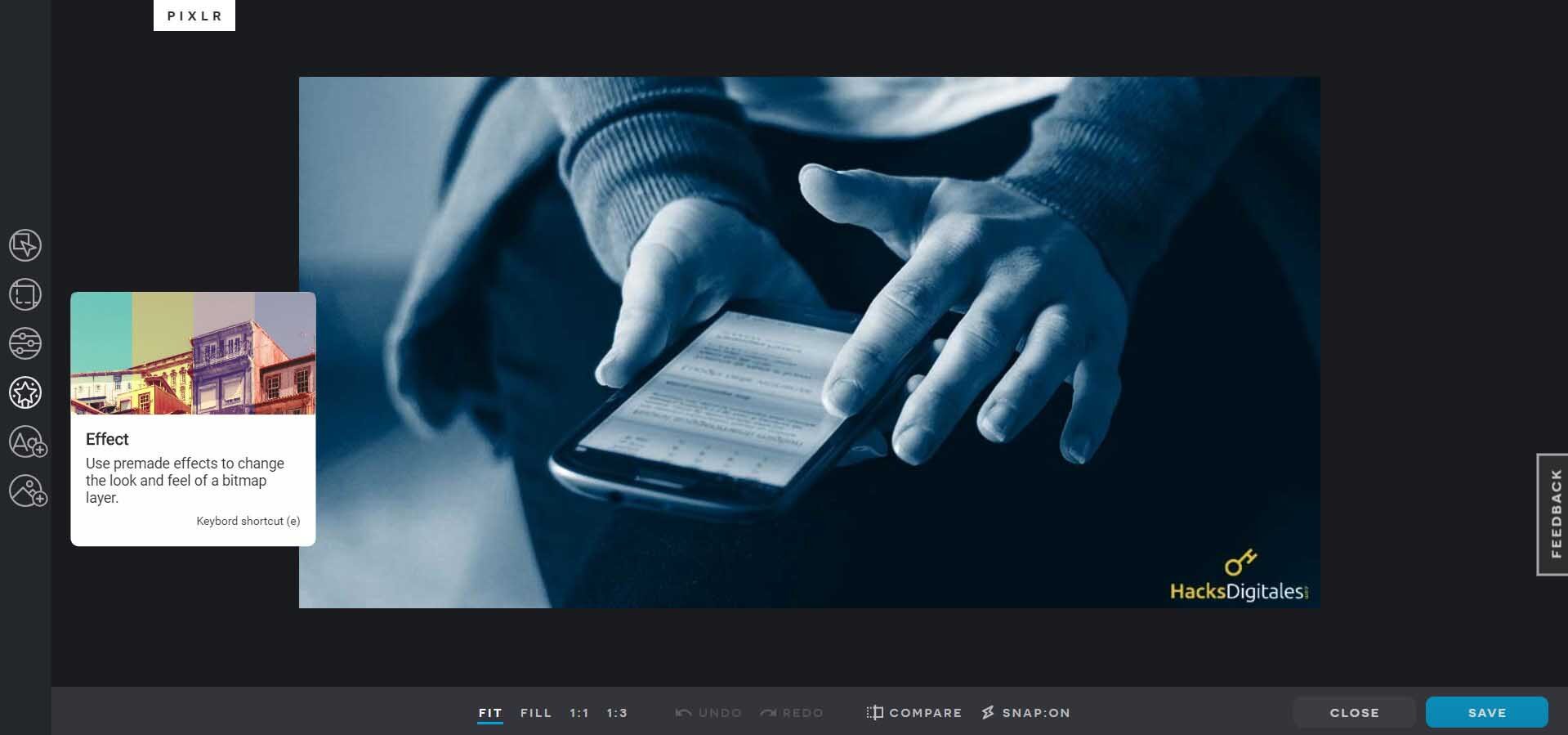
It is a fairly advanced image editing program, although designed for small files, approximately 30 kilobytes. With it the functions are simplified Additional components can be added and parameters adjusted to the process image.
Using it is very easy, on the left side you can find the tools; On the right, layers and other basic functions are available, What: adjust levels, modify the contrast, change, save, to export, open files, change RGB tones and other effects on images. Currently there are Pixlr: X, Pro, Editor.
We loved Pixlr. It has an online version and a very light downloadable version compatible with Windows.
Seashore (Mac)
Seashore is another program created by Mark Pazolli to be the indispensable tool in restructuring the image. It has open source for Mac OS X that you can work with in a Cocoa user interface that Satisfies the prime requirements for photo editing. Among its attributes is the texturing of images with smooth gradients in brush strokes and it supports multiple layers without difficulty..
Inkscape
It is a high quality vector graphics program, because it is open source, adapts to Windows, Mac OS X, Linux y GNU. Uses W3C scalable vector graphic as native format. With it you can create a series of effects on images, icons, illustrations, logos, maps, diagrams and web designs. What's more, has support for multiple languages and its functions can be customized at the user's discretion.
Inkscape is so friendly that it imports and exports different file formats, such as: EPS, PS, PNG, PDF, SVG and AI among others.
Inpaint
With Inpaint software you can magically restructure images. It has tools to edit with textures extracted from the images adapted to perfection. Delete unwanted objects and insert whatever you want to add. What's more, you can make surprising effects leaving a final finish as you want.
While we know that Photoshop software is the ideal tool for image editing, we have also seen that we have great programs on hand designed to deliver the same results, and others in different styles like Pixia, that offers professional users of digital art different alternatives to show their creativity in graphic art.




