
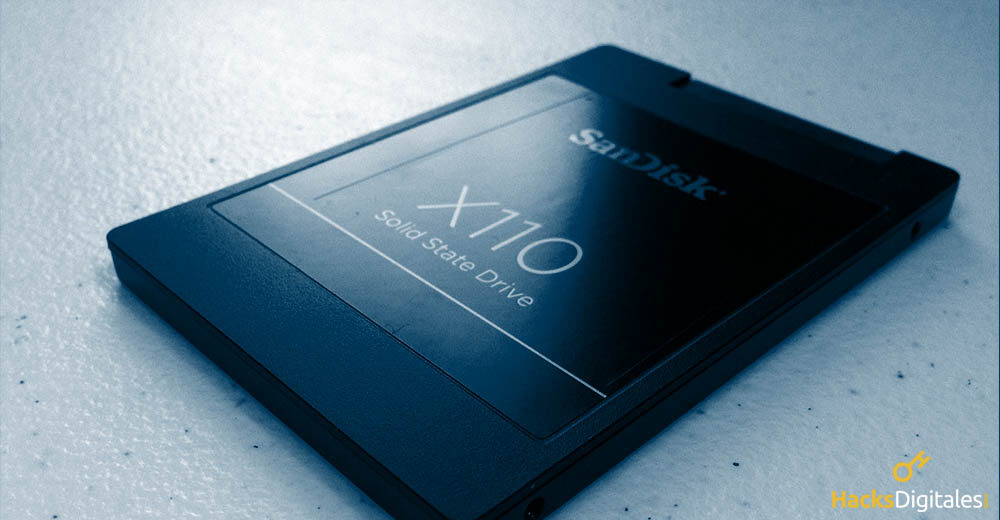
Swapping your hard drive for an SSD is the best option to optimize the functionality of your computer. This action allows you to keep your equipment in excellent condition and promote its operation. In general, many users are reluctant to go through this process due to the time and effort involved.
From having to change information from one disk to another to installing the operating system on the SSD. The easiest thing to do is clone the hard drive to SSD, which will allow you to carry out the process without much effort. Thus, you will improve the performance of your computer without wasting much time.
Cloning benefits
Going through the process of cloning hard drive to SSD, you will find that you will not have to reinstall Windows. This frees you from a precise time, that you can use to carry out other activities, in addition to allowing to simplify the process. In addition, this system gives you the exact creation of a copy of all your content. Namely, you will have all your information without problems in the new SSD.
Before starting
You must bear in mind that when buying an SSD the technical characteristics of your motherboard so that the unit is compatible. Obtaining as an effect, the avoidance of problems at the time of recognition and will streamline the entire process. In the same way, and although it is usually not a common problem, the SSD must be the correct size.
Actually, SSDs are oversized, which allows them to have a lot of capacity. However, it never hurts to make sure it meets the required size. Remember that it will always depend on the size of your disk or the partition that contains the installation of the operating system.
Hard drive preparation
It is important to perform this step before starting the cloning process, as it will free up space. Start by reviewing every file you have stored on your hard drive, eliminating the ones you no longer use. In this way, it can free up space and won't load unnecessary files on the SSD. What's more, it is convenient that you eliminate any application and program that you have installed without using.
Remember: Delete any data that is not useful to speed up the cloning process.
We also recommend that you perform a disk check with the help of a good antivirus before transferring the data., taking into account that your information will be transferred to an SSD, it is essential not to have viruses on board.
By last, if you have deleted a lot of information, it is recommended that you perform a disk defragmentation. This will prepare you for cloning.
Make a backup of your hard drive
Some people may indicate that this is a step prior to disk cloning. However, you must take it as part of the process, since it will always be necessary to do so. This is because it will be able to keep all your information safe, in case any inconvenience occurs during cloning. Providing security to the process.
To back up, must have an external storage drive. Being the easiest way to keep information out of harm's way. Make sure you have an external memory with the capacity to save all the content of your hard drive. As, when you finish backing up, you can continue with the process.
Choose the application you want to use in the process
The process of cloning hard drive to SSD, you must do it with the help of a program designed for it. In the web, you can find many options designed to help you in these cases. However, everything will depend on how you want to do it.
One of the best programs to perform this task is Acronis True Image. However, it is a paid application, so you should evaluate if it is worth it. On the other hand, if you are looking for free options, you can choose to PartClone, Clonezilla o WinToHDD. Each of these applications has a guide to its operation and its download links on their download websites..
Clone hard drive to SSD
Once you have downloaded and installed the software chosen for the process, you should immediately shut down the computer. Wait for it to shut down properly and connect the SSD. Then reboot the system favoring the start of the program that we have previously chosen.
You must bear in mind that, regardless of the software you have chosen, most follow the same steps. What are they:
- Choose the source disk (HDD).
- Choose the destination disk (SSD).
- Configure the cloning process.
- Play the process.
- Wait for the program to take care of everything.
At the end of the process, You must restart the computer and perform the necessary configuration so that the boot is from the SSD. To do this, you should press f8, f10 o similar (depending on the unit) to enter BIOS. Upon entering you will have to look for the boot order section and select the SSD, as main option. Save the changes and you're done.
Better presentation
This HDD to SSD cloning process is designed to dramatically improve your computer's performance. This will favor its use and speed up the processes you carry out with it..




