
Windows update wizard 10 is Microsoft's tool to help you download and install the latest Windows update 10 for free on your computer.
In the same way as Media Creation Tool, this application makes it possible to force the update to the latest version of Windows 10, very useful when it does not reach Windows UpdateWindows updates are essential components for the maintenance and security of Microsoft operating systems. Through Windows Update, users receive performance improvements, security patches and new features. It is recommended that users keep this option activated to ensure protection against vulnerabilities and optimize system operation. Updates are downloaded and installed automatically, although it is also possible to configure them manually... And the best part is that it keeps your files, applications and settings.
Force Windows update 10
Updates to new versions of Windows 10 provide your PC with the latest security features and enhancements. The easiest way to install these updates from Microsoft is through Windows update, available in the settings menu.
Despite this, when these updates are released, often take a long time to reach devices. Other times they don't even make it, even if your computer is eligible for the upgrade. Fortunately, Microsoft has created a tool to overcome this problem.
It's about Windows update wizard 10, which enables you to download and install the latest version of Windows 10, that comes twice a year.
Download and install the latest version of Windows 10
Once you have downloaded the application “Windows10Upgrade9252.exe”, you just have to run it (no installation needed) to start checking for updates.
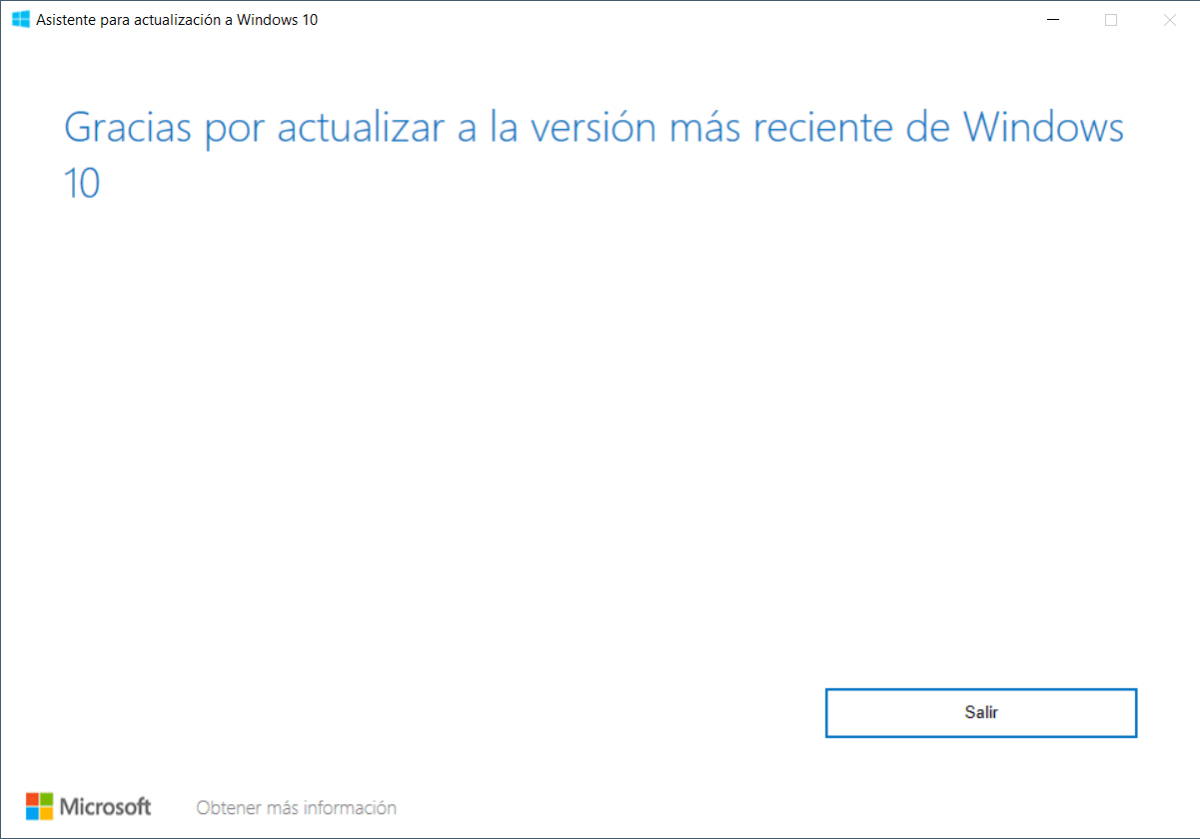
In case you already have the latest version of Microsoft's operating system, will show you the following message: “Thanks for updating to the latest version of Windows 10”. Otherwise it will tell you the version your computer is running, as well as the latest version.
To update to the latest version of Windows 10 (and get the latest security and feature enhancements), just click the button “Update now”.
If your device is compatible, you can download and install the latest update. During the installation, you can continue using your computer. In the end he will ask you restart your computer to complete the update to the latest version of Windows 10. You can restart it now or later.
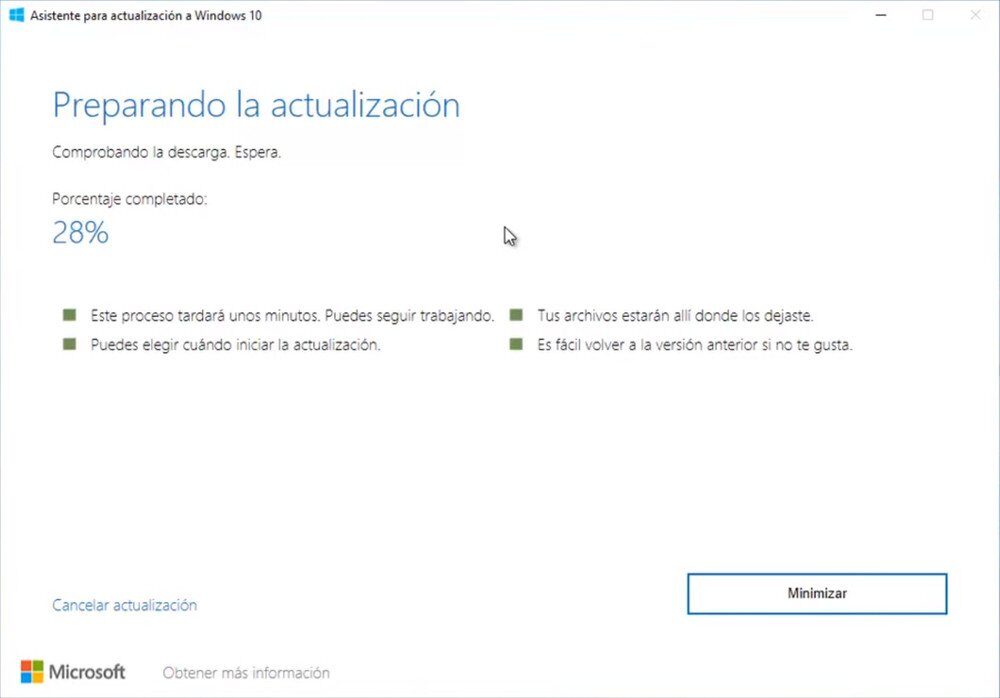
You don't have to worry about your files or applications, since they will stay there after update. Even though we always suggest making a backup in case something goes wrong.
If you can't wait for your computer to update automatically using Windows Update, then Use the Windows Update Wizard! 10 to update your PC as soon as possible!
Characteristics
- Update to the latest version of Windows 10
- Keep your files, applications and most settings
- Not compatible with Enterprise or Education editions.
- Check the CPU, memory and disk space
- The completion time will depend on the internet connection and the hardware of the device.
- Your computer must restart to complete the update
- Almost no user intervention required
Related




