
Start menu 8 is the IObit tool that returns the original Windows start menu 7 to Windows systems 8 Y 10.
What's more, incorporates its own optimized search engine that claims to be able to find files a 20% faster than Windows default search.
Recover the Windows Start Menu 7
The start menu has been around since Windows 95, so users were already used to it. From here, Microsoft offered access to different system functions and tools, in addition to finding files easily.
With the arrival of new versions, became more and more robust, being the Windows start menu 7 the one you liked the most. However, everything changed with the arrival of Windows 8.
It so happens that the Redmond company decided to remove the start menu from its interface, something Microsoft Windows was so well known for. Instead, installed an interface known as metro, completely removing this popular menu from the toolbar.
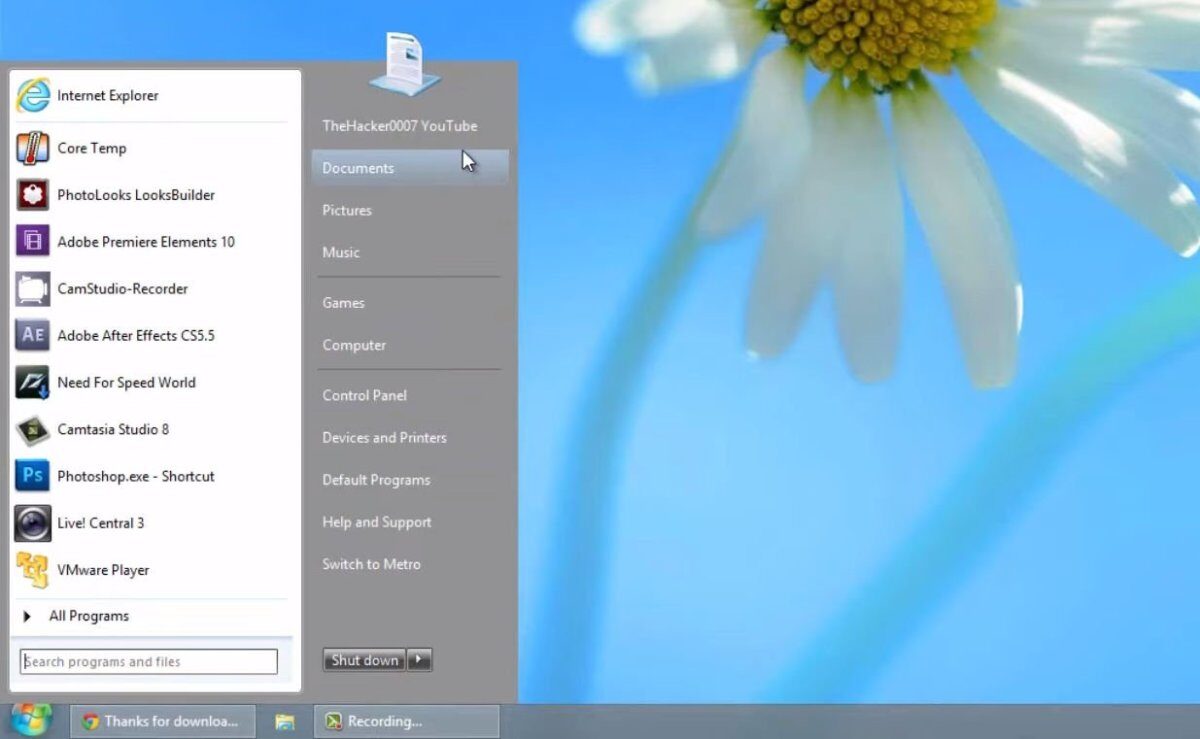
Start Menu 8 in action
Since then, Several utilities have appeared that promised to bring this menu back to Windows. One of these is Start menu 8, an application developed by IObit that helps you change the default start menu to the Windows start menu 7.
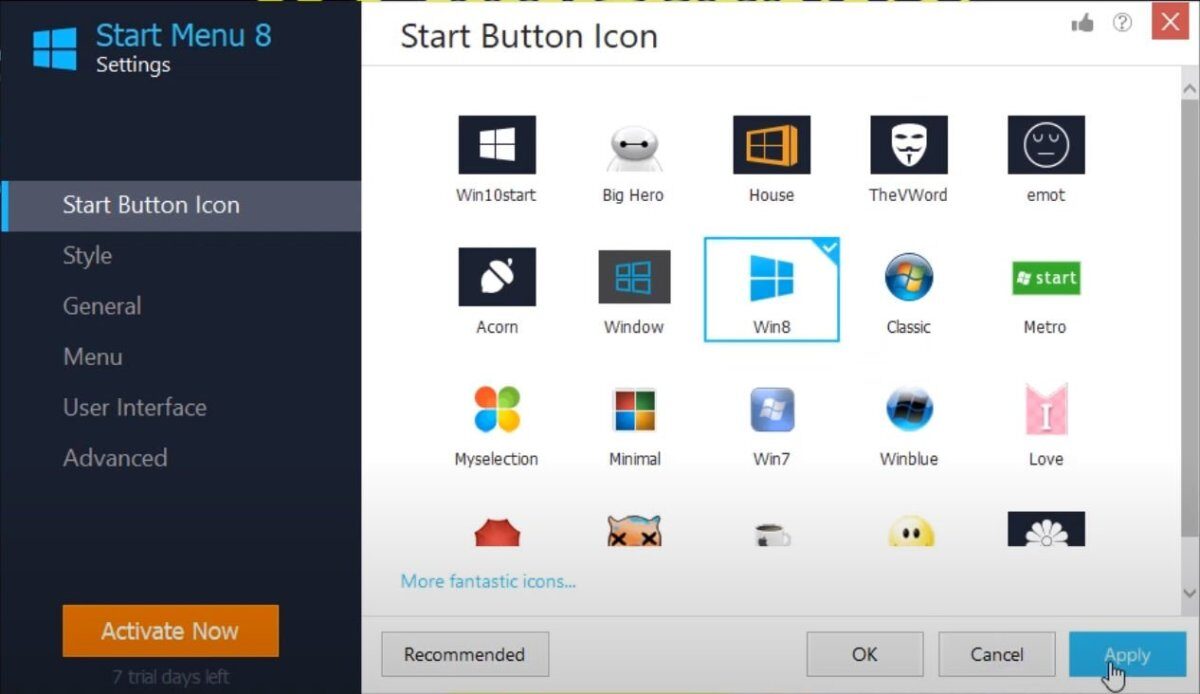
For it, the software is installed to start together with Windows (optional) and allows you to change the icon to your liking.
The layout is similar to the classic Windows start menu 7, but you can customize it as you want. For example, specify the number of programs to be displayed, big or small icons, background color, show frequently used programs, font size, activate hotkeys and more.
It also allows you to choose whether or not to show the library folders (documents, images, song, etc.).
And if that was not enough, offers a search box from which you can find your files just by typing the keyword. IObit ensures that this search engine is a 20% faster, so you can find what you are looking for in less time.
Note that the start menu 8 only offers a free trial. Then it is necessary to buy a license to be able to use it without a time limit.
Characteristics
- Recovers the icon and the start menu in Windows 8 / 8.1 Y 10.
- Optimized search engine
- Change font size
- Change menu background color
- Indicates the number of programs to show
- Activate keyboard commands
- Choose the home button icon from various options
Related




