
Do you need a powerful video player but at the same time simple, with support for several formats and that does not need complex configurations?
Then you should try SMPlayer, the media player that has no restrictions on the type of file format to be played and that includes the common basic functions.
SMPlayer for Windows
SMPlayer is perhaps the best GUI (graphical user interface) for popular MPlayer player.
With this program, you won't have to install additional codec packs. Just install the software and get started play almost any audio and video file.
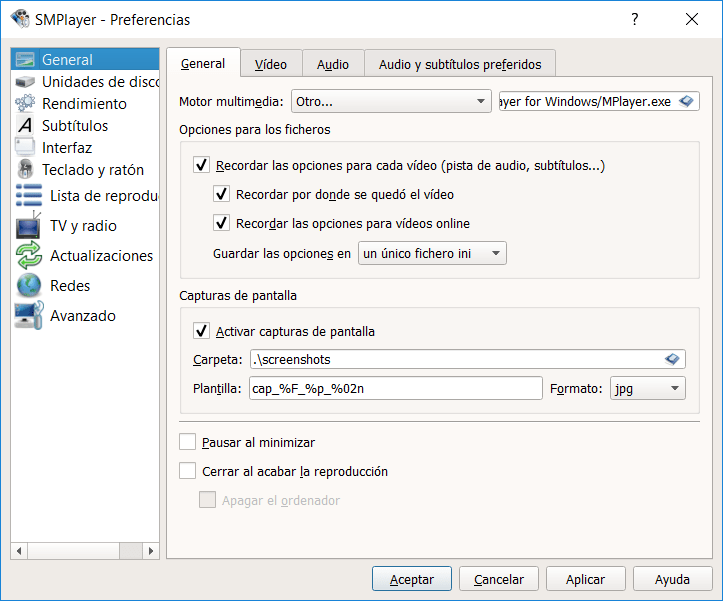
At the same time, because it remembers everything about the files it plays, you can pick up where you left off at any time, with the same volume settings, subtitles and more.
If you are looking for a free and open source player that does not consume too many resources on your PC, download SMPlayer free in Spanish to 32 Y 64 bits is the best choice.
Actually, the software works great not only on older computers with Windows XP or Vista, but also on modern Windows computers 10, 8 O 7.
In addition, has an intuitive and straightforward interface, with the play buttons located at the bottom and the alternatives menu at the top.
By last, just below the menu there are a series of icons to access the different functions of the player: open a file, add a url, add the file to favorites, take a screenshot of what is playing, enter the file data, search for subtitles, search for videos on Youtube and access preferences.
Characteristics:
- Automatic subtitle search at opensubtitles.org
- Create Playlists
- Subtitle settings, volume, position and equalizer
- Take screenshots
- Add videos to favorites
- Open recent files and pick up where you left off (with the same configuration)
- Available in more than 30 Languages
Related




