
MPV is a free and open source multimedia player that stands out for its simplicity and portability.
In the same way as MPC-HC, supports 4K video playback and a wide variety of media file formats. Despite this, lacks advanced features.
MPV Player for PC
MPV Player is a free multiplatform application born as a fork of mplayer2, which in turn is a fork of the popular MPlayer.
Since it is a portable software, you should not install anything. This means that you will not be able to set it as your default video player.. Instead, you will always have to drag the audio or video files into the program to play its content.
Despite being a fairly basic player, supports a wide range of multimedia file formats, with quite good video and audio output quality.
Actually, in our tests, the program was able to play 4K videos without any problem. Even though I had drawbacks for 8K videos.
It also supports playlists and is capable of detecting subtitles and loading them directly.
Regarding its interface, this is quite simple. Play buttons are limited to pause, following, stop and a navigation bar.
As soon as i run it, you will see a dark screen prompting you to drag the video or audio to play it. Immediately after, Portable MPV will start playing the media file. Here you can put it in full screen to better enjoy the content.
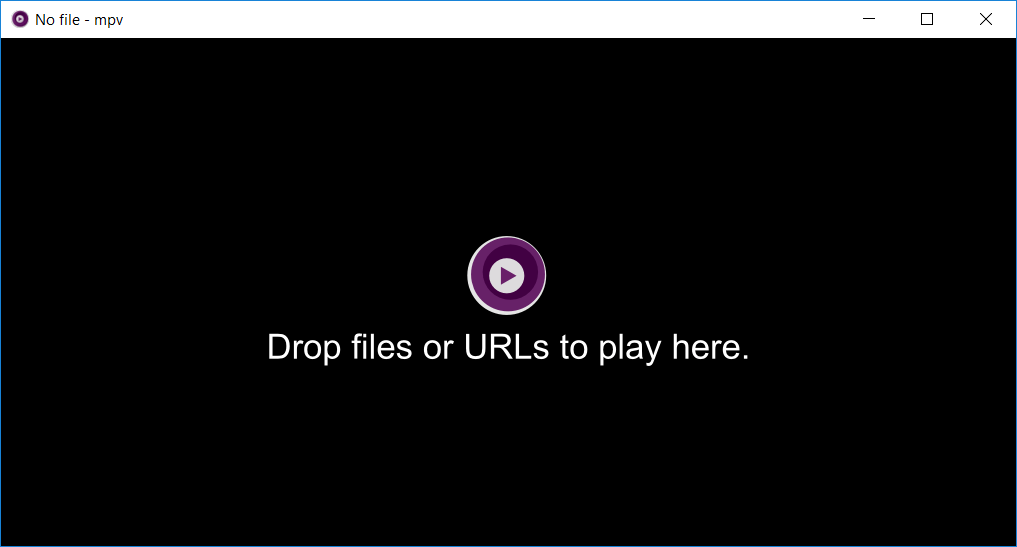
At the same time, if you drag multiple files to the software, a playlist will be created, perfect for listening to music or starting a movie marathon.
Characteristics:
- Playlist support
- Supports subtitles
- Video decoding
Remember it MPV.io has several limitations, like not being able to customize it or change the sound. It also does not allow you to adjust the player window freely..
If you are looking for simplicity and portability, feel free to download MPV Player for Windows.
Related




